

Chapter 01 of 12
OPENING
What we build, and the building blocks
What we build today
By the end of the live build you will have seen this running in an AWS account:
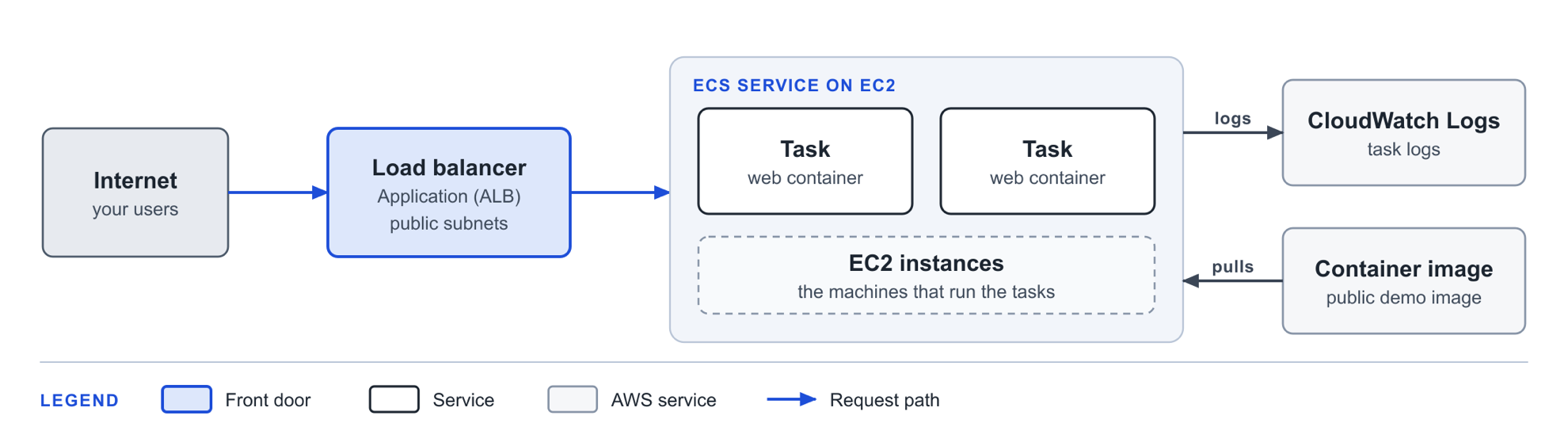
Every box in that line is created live, in the console, in front of you, in your own AWS account in the Thailand Region. We start with the VPC that holds it. Nothing is pre-built.
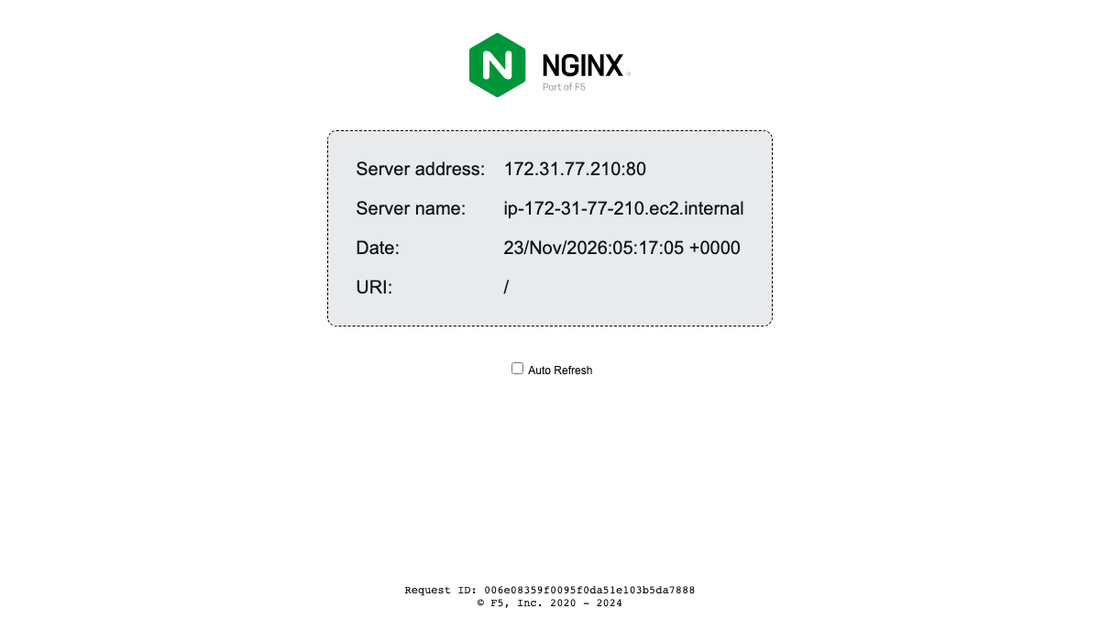
The building blocks used today
| Service | What it does |
|---|---|
| AWS account | The container for everything else, and the boundary for security, billing and quotas |
| Region and Availability Zone | A Region is a geographic area, for example Asia Pacific (Bangkok). Each Region has several Availability Zones: separate data centres with their own power and network |
| Amazon VPC | Your private network in a Region. Most accounts come with a ready-made default VPC in each Region |
| Subnet | A range of addresses inside a VPC. Each subnet sits in exactly one Availability Zone |
| Security group | A stateful firewall attached to a network interface. Rules only allow traffic |
| IAM role | An identity that a person or a workload assumes to get temporary permissions. No stored keys |
| Amazon EC2 | Virtual machines, called instances |
| EC2 Auto Scaling group | Keeps a set number of instances running and adds or removes them |
| Elastic Load Balancing | The Application Load Balancer (HTTP and HTTPS) and the Network Load Balancer (TCP and UDP) |
| Amazon ECR | Private registry for container images |
| Amazon ECS | AWS's container scheduler. Runs containers on EC2 instances or on Fargate |
| Amazon CloudWatch | Metrics, logs and alarms |
| AWS CloudFormation | Infrastructure as code. The ECS console uses it behind the scenes |
Two basics worth knowing from day one:
- Subnets are per Availability Zone. To run in two zones you create two subnets, one in each. Every highly available design in AWS starts with "one subnet per zone, per tier".
- Security groups only allow. There is no deny rule and no priority number. If no rule allows the traffic, it is dropped. To block one address inside an allowed range, use a network ACL, which is stateless and attaches to a subnet.